Docker in DevOps: what containers solve, and the Docker Desktop licensing rule to check
Containers ended most "works on my machine" problems. Before rolling Docker out, check one thing: companies with 250 or more staff or $10 million in revenue need paid Docker Desktop seats.
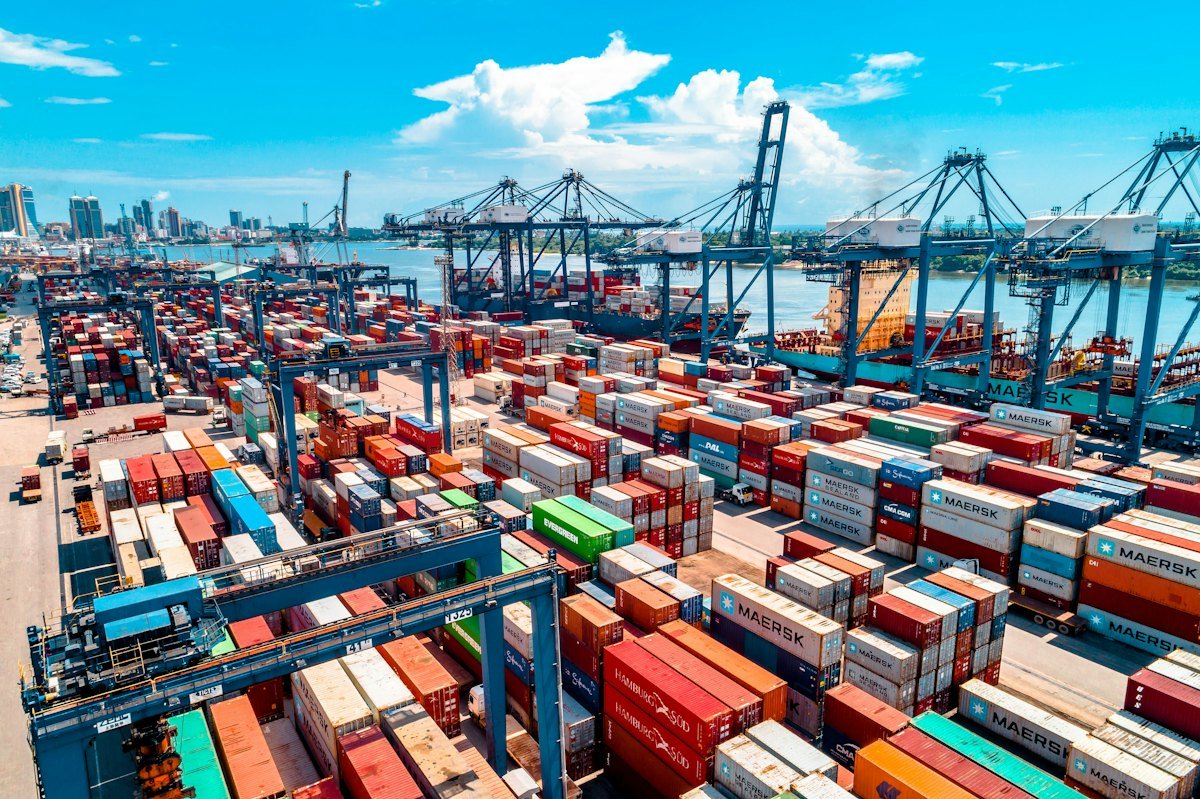
A container packages an application with everything it needs to run, such as libraries, runtime and configuration, into one image. The same image runs on a developer's laptop, in the test pipeline and in production. Docker made containers practical for ordinary development teams, and its image format became the standard, now maintained through the Open Container Initiative.
Containers and virtual machines
| Virtual machine | Container | |
|---|---|---|
| What it includes | A full operating system plus the app | The app and its dependencies, sharing the host's kernel |
| Start time | Minutes | Seconds or less |
| Size | Gigabytes | Often tens or hundreds of megabytes |
| Isolation | Strong, at the hardware level | Good, at the process level |
| Typical use | Running different operating systems, legacy apps | Microservices, CI jobs, modern apps |
What Docker changes for DevOps
Consistency is the main gain. The image tested in CI is the exact image deployed, so environment differences stop causing failures. Builds become repeatable because the Dockerfile describes the environment in code. CI pipelines can spin up databases and services in containers for tests and throw them away afterwards. In production, orchestrators such as Kubernetes or managed services such as AWS ECS, Azure Container Apps and Google Cloud Run run containers at scale.
The licensing rule
Docker Engine and Docker's other open source software are free for everyone. Docker Desktop, the app most developers install on Mac and Windows, is not. Docker's terms allow free use of Docker Desktop only for non-commercial open source projects and for commercial organizations with fewer than 250 employees and less than $10 million in annual revenue. Larger companies, and all government entities, need a paid subscription for every user. Many companies discovered this during software audits after the rule took effect.
Alternatives include Podman Desktop and Rancher Desktop, both open source, though teams should test compatibility with their workflows.
Security basics
Container images include third-party software, so they carry its vulnerabilities. Use small, official base images, scan images in CI, rebuild them regularly to pick up patches, and don't run containers as root.
What IT teams should do
- Check whether your company passes Docker's 250-employee or $10 million threshold, and count Docker Desktop installs.
- Standardize on a small set of approved base images.
- Add image scanning to the CI pipeline and block critical vulnerabilities.
- Rebuild images on a schedule, not only when the app changes.