What is RPA? Robotic process automation, and when an API is the better choice
RPA software clicks and types through applications the way a person would. That makes it quick to deploy on old systems, and fragile when screens change.
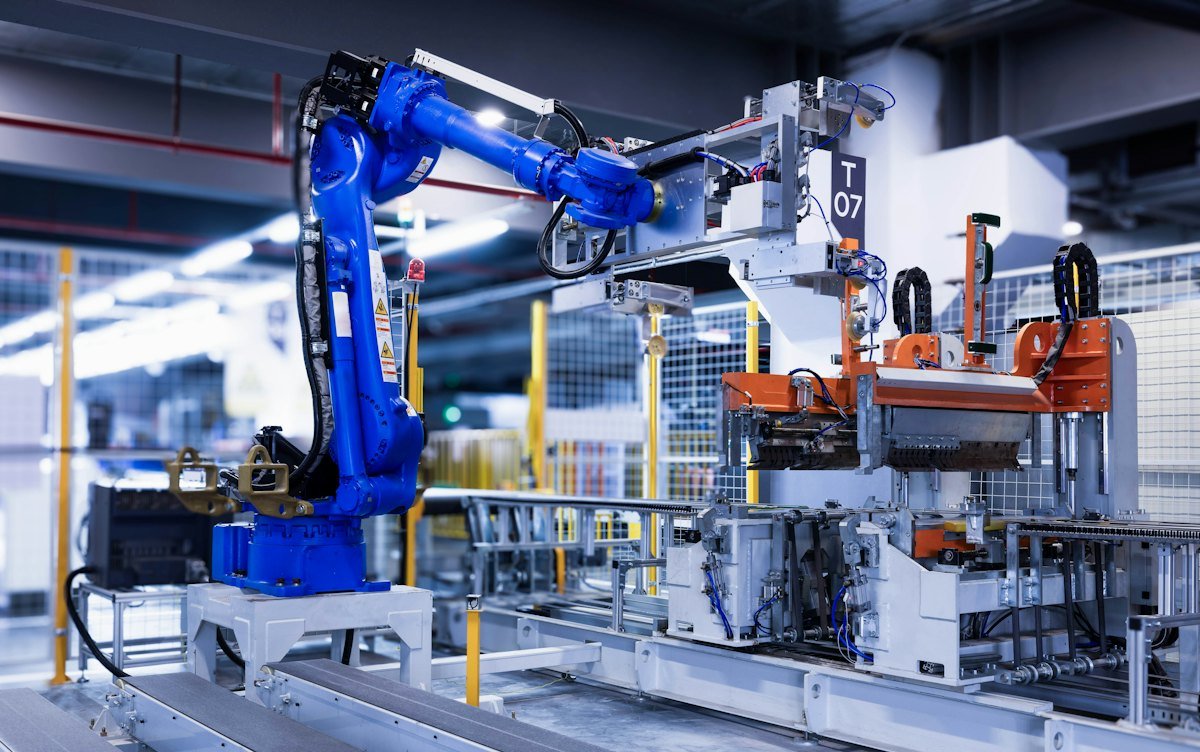
Robotic process automation, or RPA, is software that automates repetitive work by operating applications through their user interface, the same way a person would: clicking buttons, reading fields, copying values and typing into forms. The "robots" are software bots, not machines.
Microsoft's description of desktop flows in Power Automate, its RPA product, gives typical examples: organizing documents in folders, extracting data from websites into Excel, and entering data into an ERP system. It also notes that RPA can automate legacy applications such as terminal emulators, interacting through on-screen elements, images or screen coordinates.
That last point is the main reason RPA exists. Many business systems have no API, or one that is too expensive or slow to use. RPA lets you automate them anyway.
Attended and unattended bots
Attended bots run on an employee's computer while the employee is working, often triggered by the person, to take care of a few steps in their task. Unattended bots run on their own on a server or virtual machine, on a schedule or a trigger, with no person present. Unattended bots usually need extra licensing and more careful credential management.
Where RPA fits, and where it doesn't
| Use RPA when | Use an API or integration when |
|---|---|
| The system has no usable API | The system offers a stable API |
| The process is rule-based and repetitive | The process needs to run at high volume or speed |
| The screens rarely change | The application updates its interface often |
| You need a fix quickly while a longer-term integration is built | You are building something to last for years |
RPA's main weakness is fragility. When an application changes a screen layout, a field name or a login step, the bot can fail. Teams that scale RPA without a plan for maintenance end up with a backlog of broken bots.
RPA and AI
AI is changing RPA in two ways. AI models can now read documents and emails that bots used to choke on, such as invoices in different layouts. And AI agents can carry out multi-step tasks from instructions rather than recorded clicks. For IT, the governance questions stay the same: what can the automation access, whose credentials does it use, and who reviews what it does.
What IT teams should do
- Inventory existing bots, who owns each one, and which credentials they use.
- Give every unattended bot its own service account with limited permissions.
- For each high-value bot, check whether the target system now offers an API.
- Track bot failures so you can see which automations cost more to maintain than they save.