SD-WAN explained: from MPLS replacement to part of SASE
SD-WAN started as a cheaper way to connect branch offices. It is now being folded into combined networking and security platforms.
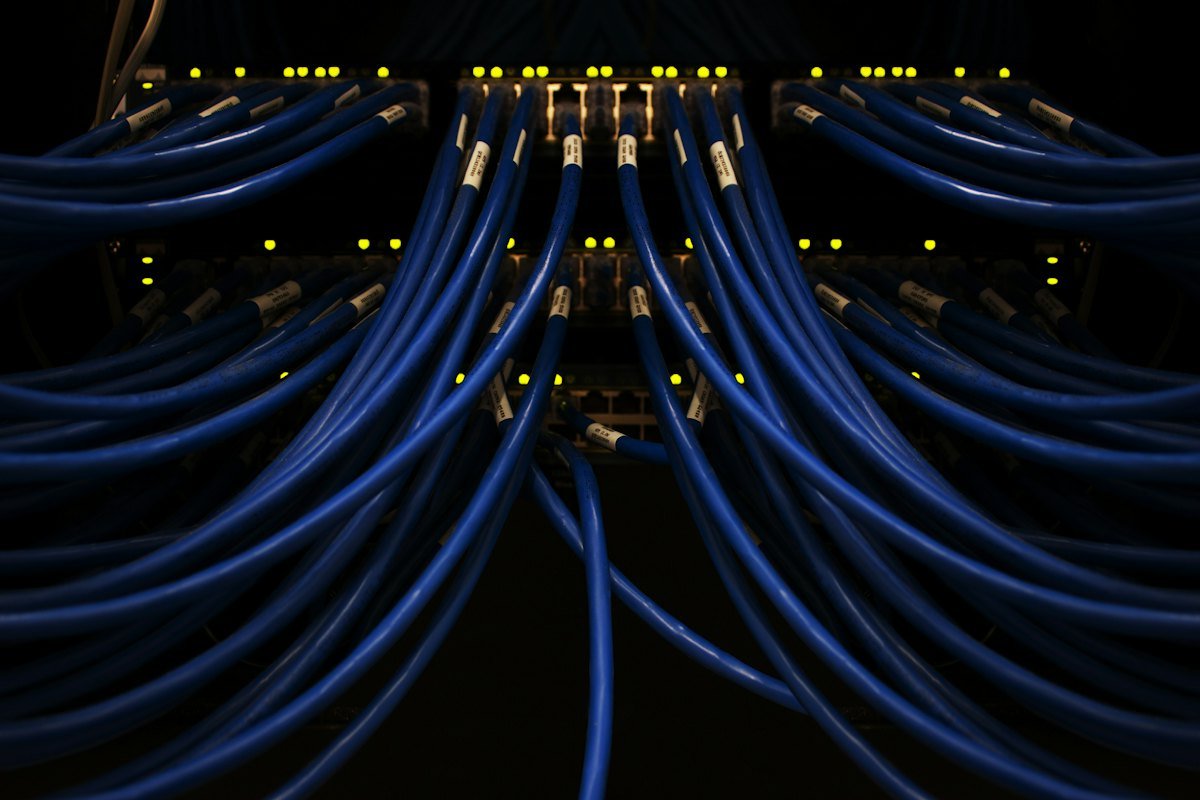
A software-defined wide area network, or SD-WAN, connects a company's offices, data centers and cloud services over whatever links are available, such as broadband, fiber, 4G or 5G and MPLS, and steers each application's traffic over the best path in real time. A central controller sets the policies, so changes roll out to every site at once instead of being configured router by router.
Why companies moved from MPLS
For years, branch offices connected to headquarters over MPLS circuits: private, reliable and expensive. That design assumed applications lived in the company data center. Once email, collaboration and business applications moved to the cloud, routing every branch's internet traffic back through headquarters added delay and cost.
| MPLS | SD-WAN | |
|---|---|---|
| Links used | Private circuits from one carrier | Any mix of broadband, fiber, cellular and MPLS |
| Cost | High per megabit | Lower, using commodity internet links |
| Path to cloud apps | Usually back through headquarters | Directly from the branch |
| Changes | Per-router configuration, often through the carrier | Central policy pushed to all sites |
| Built-in security | Private network, but no inspection | Encryption between sites; inspection depends on the product |
Where it's heading
SD-WAN on its own solves connectivity, not security. Branches that send traffic straight to the internet still need web filtering, firewalling and access control, which is why SD-WAN is increasingly sold as part of secure access service edge (SASE) platforms.
Gartner projects that by 2028, 70% of SD-WAN purchases will be part of a single-vendor SASE platform, up from 25% in 2025, according to Virtualization Review. Our SASE guide covers those platforms and how to choose one.
Planning a move
Start with an inventory of sites, links, contract end dates and the applications each site depends on. Pilot at a few representative branches before a full rollout. Keep at least two diverse links at sites where downtime is expensive, such as a fiber line and a cellular backup. And decide early whether security will come from the same vendor or a separate one, because that choice shapes the whole design.
What IT teams should do
- List every site with its links, bandwidth, monthly cost and contract end date.
- Identify which applications each site depends on and where they are hosted.
- Decide whether you want networking and security from one vendor or two before issuing an RFP.
- Plan an SD-WAN pilot to coincide with MPLS contract renewals.