Wireless networking for business: what Wi-Fi 7 changes, and when to upgrade
Wi-Fi 7 certification began in January 2024. Its biggest gains depend on the 6 GHz band and on client devices that support it, which is what decides the timing of an upgrade.
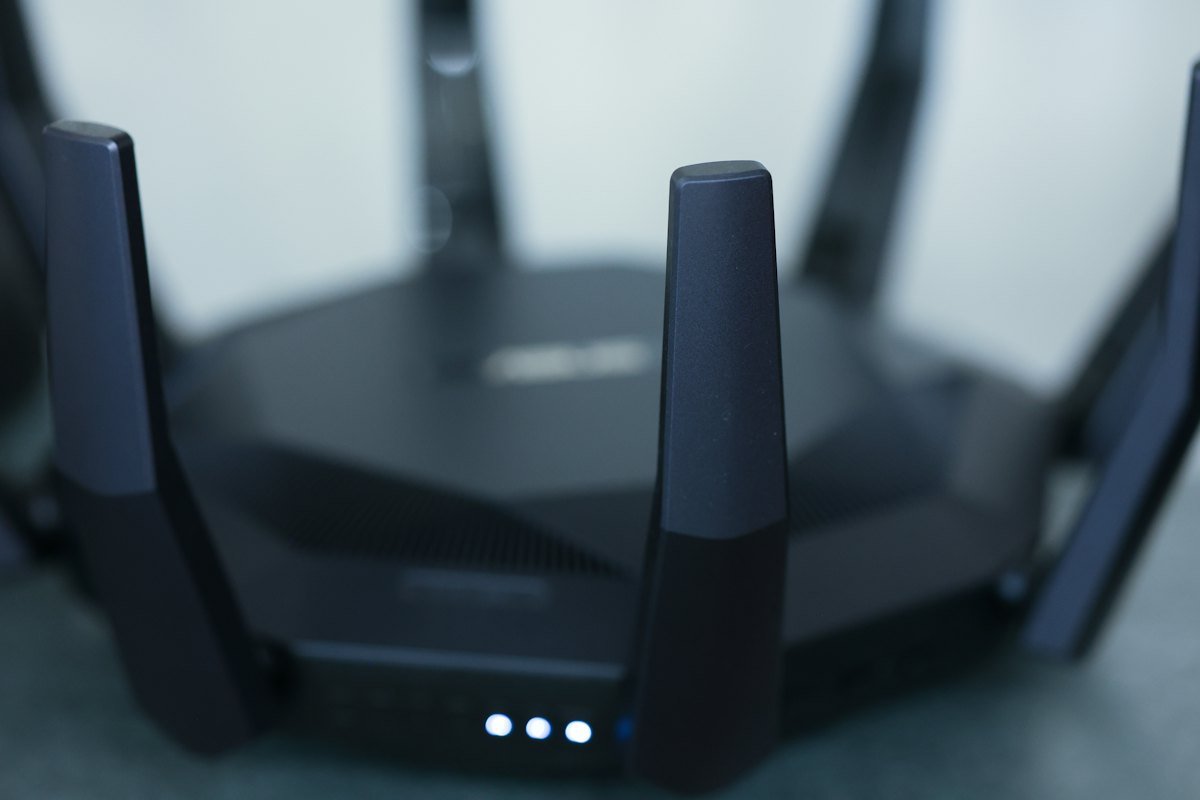
Office networks are now mostly wireless. Laptops, phones, conference room systems and a growing number of sensors connect over Wi-Fi, and the wired network has become the backbone behind the access points rather than the way most people connect.
The Wi-Fi generations
| Name | IEEE standard | Bands | What it added |
|---|---|---|---|
| Wi-Fi 5 | 802.11ac | 5 GHz | Faster speeds on 5 GHz |
| Wi-Fi 6 | 802.11ax | 2.4 and 5 GHz | Better performance in crowded spaces |
| Wi-Fi 6E | 802.11ax | Adds 6 GHz | Access to the less congested 6 GHz band |
| Wi-Fi 7 | 802.11be | 2.4, 5 and 6 GHz | Wider channels, multi-link operation, denser modulation |
What Wi-Fi 7 adds
The Wi-Fi Alliance began certifying Wi-Fi 7 devices on January 8, 2024. The main features:
- 320 MHz channels, double the widest channels before, which enable multigigabit speeds. They are only available where regulators have opened the 6 GHz band to Wi-Fi.
- Multi-link operation, which lets a device send and receive over more than one band at the same time, for higher throughput, lower latency and better reliability.
- 4K QAM modulation, which the Wi-Fi Alliance says gives 20% higher transmission rates than the 1024 QAM used in Wi-Fi 6.
- Multiple resource units to a single device, which uses spectrum more flexibly.
In practice, the reliability and latency gains from multi-link operation matter more to most offices than peak speed, especially for video calls.
When to upgrade
Three things decide the timing:
- Client devices. A Wi-Fi 7 access point only delivers Wi-Fi 7 features to Wi-Fi 7 laptops and phones. Check what your next laptop refresh will include.
- 6 GHz access. The widest channels need the 6 GHz band. Check that it is available for Wi-Fi in each country where you have offices.
- The wired side. Multigigabit Wi-Fi needs access points connected by multigigabit switch ports and enough power over Ethernet. Older switches can become the bottleneck.
If your access points are Wi-Fi 5 or older, or due for replacement anyway, buying Wi-Fi 7 now is reasonable. If you have recent Wi-Fi 6E, there is little reason to rush.
Beyond speed
Most office Wi-Fi complaints come from coverage gaps and interference, not peak speed. A site survey, sensible channel planning and enough access points for the number of people in each space solve more problems than a new standard. Security matters too: use WPA3 and authenticate staff devices with certificates, rather than a shared password.
What IT teams should do
- Note the age and Wi-Fi standard of your access points and when they are due for replacement.
- Check whether your switches support multigigabit ports and enough power for new access points.
- Move staff Wi-Fi to WPA3 with certificate-based authentication.
- Run a site survey before buying hardware, especially in busy meeting areas.